Everything worth knowing before you start.
What does HeyTexty actually do?
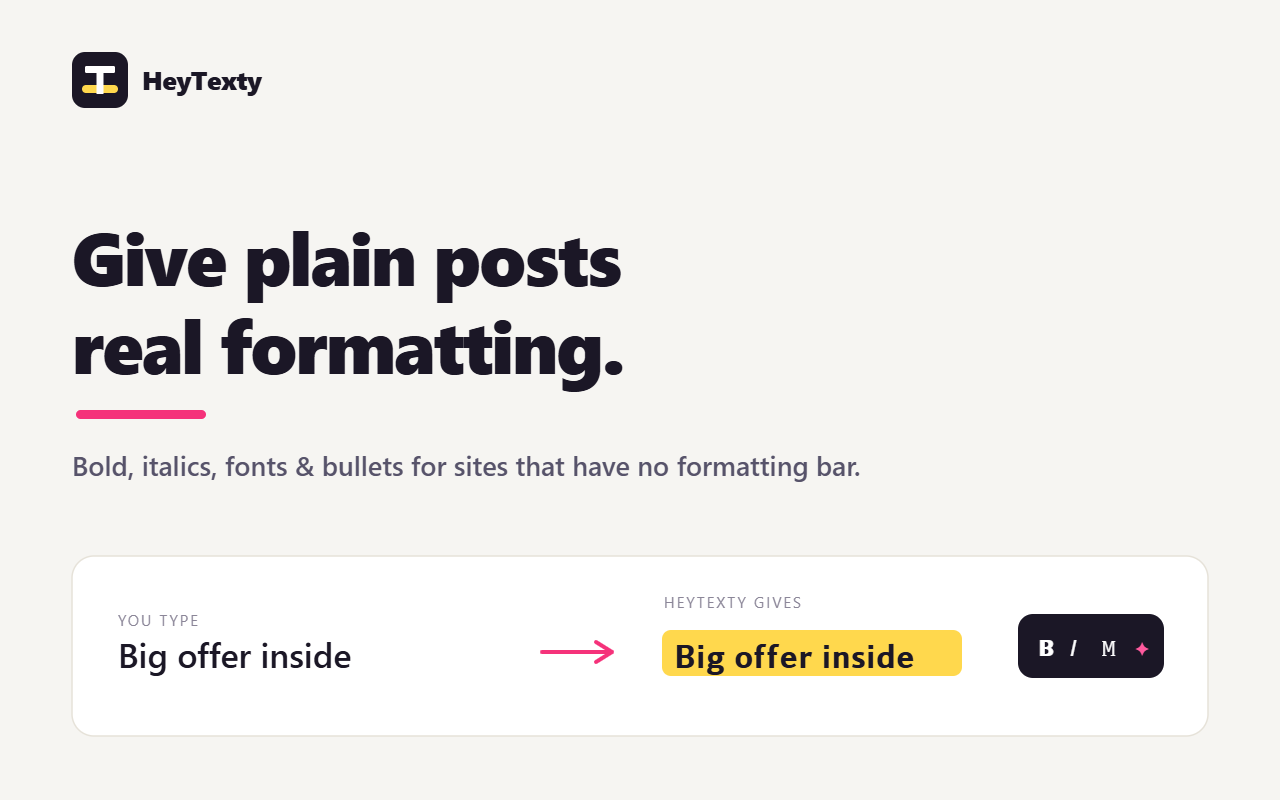
It turns the letters you type into look-alike Unicode characters that appear bold, italic, monospaced, script, and so on. Because the result is still just text, you can paste it into posts on sites that don't give you a formatting bar - Skool, LinkedIn, X and most others.
Does it really change the font?
Not in the way a word processor does. There's no font file involved - HeyTexty swaps each letter for a different character that already looks bold or italic in the Unicode standard. That's why it survives copy-paste anywhere: it's plain text, not formatting that can get stripped.
Will the styled text paste everywhere?
Almost anywhere that accepts typed text - social posts, bios, comments, headlines, messaging apps, even email subject lines. A few places restrict certain characters, and the accessibility notes below explain when to go easy.
Can I change the text color or highlight it?
No - and no tool can, in plain text. Unicode characters carry no color or background; the platform decides what color to render text in. Color and highlighting only exist inside rich editors that store their own formatting (like Google Docs) - which is exactly what these social sites don't give you. HeyTexty makes text bold, italic, and other shapes that survive copy-paste; color and highlight aren't possible in that format.
Why does styled text sometimes look smaller or slightly different (e.g. on Skool)?
Different styles come from different corners of Unicode, and each platform's font renders those blocks a little differently - so bold or script can look marginally smaller or lighter than normal text. That's expected, not a glitch.
Can screen readers read styled text?
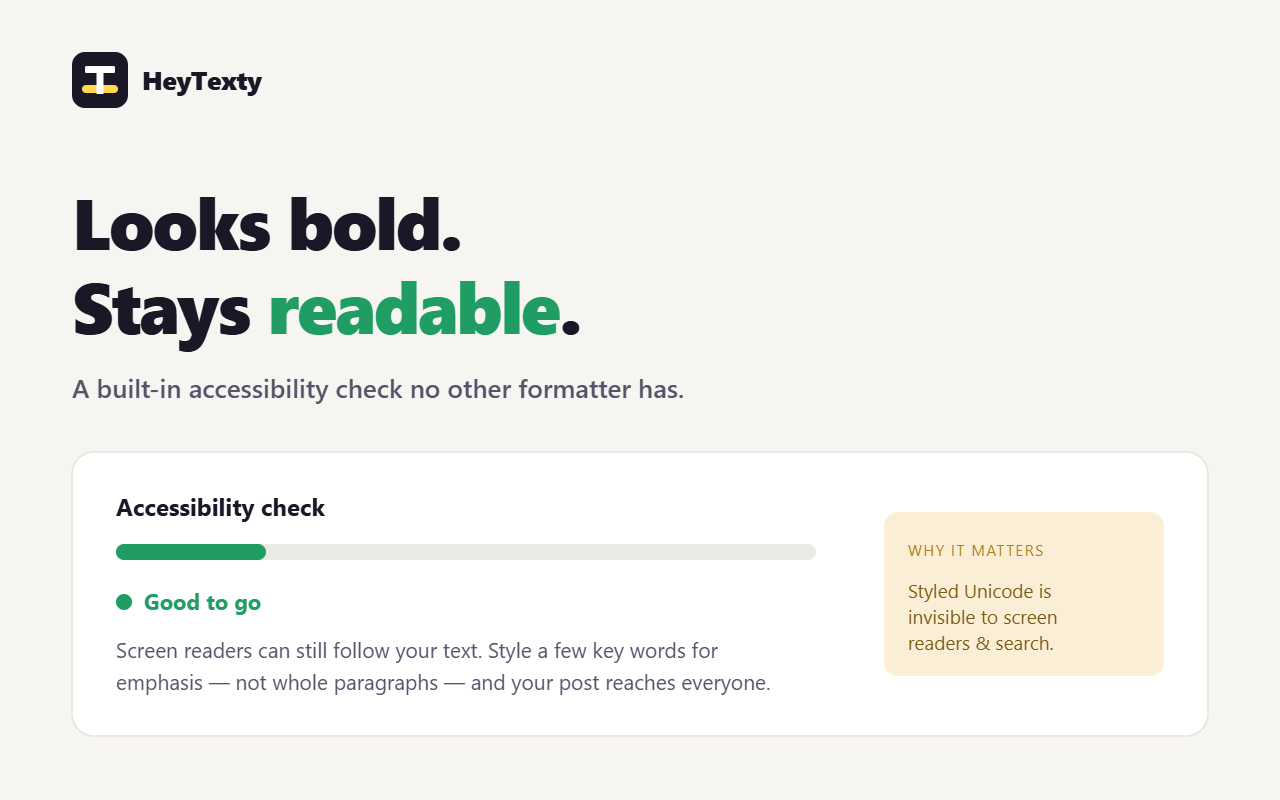
Poorly. A screen reader may announce styled letters oddly (or skip combining marks like underline entirely). That's why HeyTexty has a built-in accessibility check that warns you as you stylize more of a post. The guidance: style a few key words for emphasis, keep the substance in normal text.
What do the little gold dots on some styles mean?
A gold dot marks a style with limited support: either some characters have no styled equivalent and stay plain (superscript, subscript), or the style uses combining marks that can render unevenly and that screen readers skip (underline, strikethrough). They work - just use them sparingly.
Will using this get my account flagged or banned?
It's ordinary Unicode text, not a hack or automation, so it doesn't break any platform's rules on its own. The thing to avoid is overdoing it - walls of stylized text read as spammy and hurt accessibility. Emphasis, not everything.
Is it free? What do Pro and Lifetime add?
The core is free forever: 30+ styles and fonts, lists, symbols, the inline toolbar, the side panel, the accessibility check and platform limits, plus a few saved drafts. Pro adds unlimited drafts, folders to organize them, AI rewrite, and premium extras. Lifetime is the same as Pro with a single one-time payment instead of a subscription.
Does the AI rewrite cost extra or need my own key?
Today, AI rewrite is a Pro feature that you power with your own Anthropic (Claude) API key - Anthropic bills you directly for what you use, and it's completely optional and off until you add a key. A managed option (no key, we handle it) is on the roadmap.
Is my text private?
Yes. All styling happens in your browser - no account, no server, no tracking, and your text never leaves your device. The one exception is clearly labeled: if you turn on the optional AI rewrite, the text you choose to rewrite is sent to Anthropic using your own key, and nowhere else. See our privacy policy.
What's the difference between the web app and the browser extension?
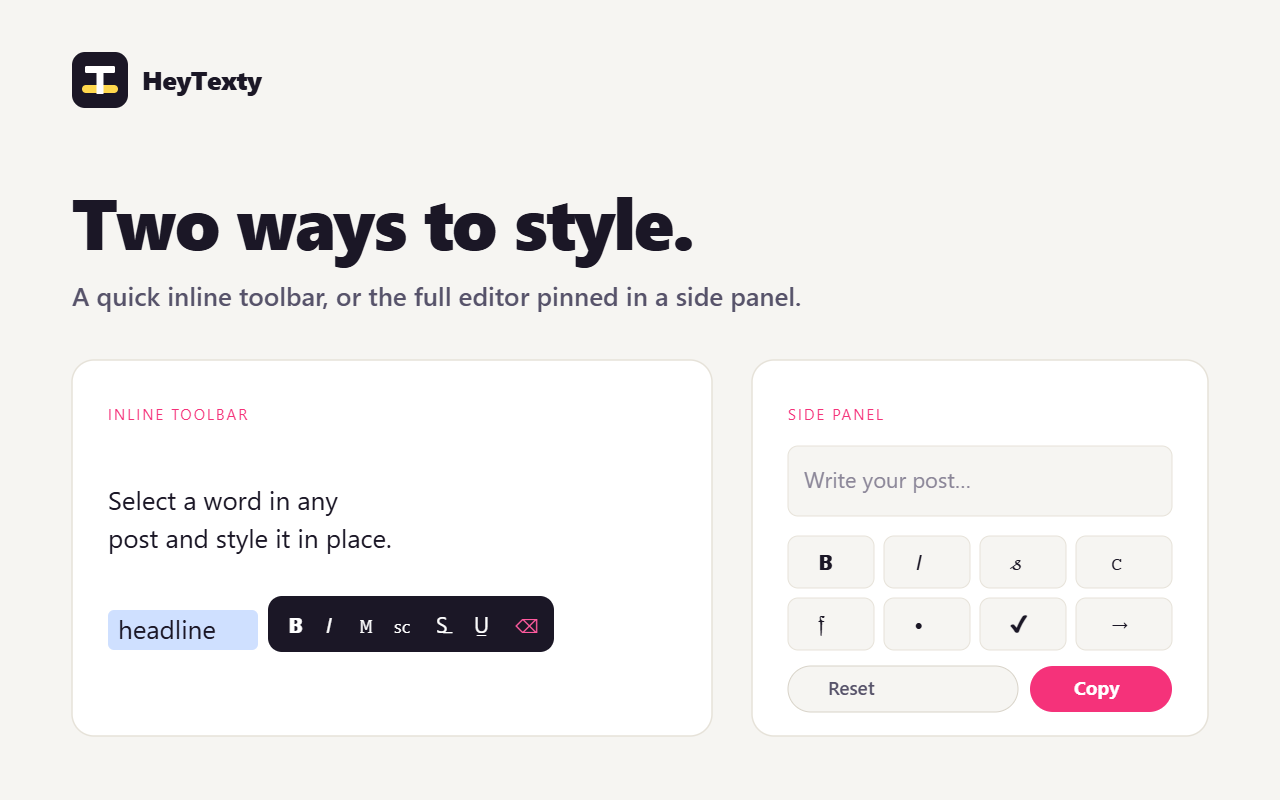
The web app is a page you write in, style, and copy from - great on any device. The extension brings HeyTexty onto the sites themselves: a floating toolbar appears right in the post editor, plus a full editor pinned in a browser side panel that stays open while you write.
Which browsers and devices are supported?
The extension runs on Chrome, Edge, and other Chromium browsers on desktop. The web app works in any modern browser, including on phones and tablets - handy for styling text on the go and pasting it into a mobile app.
Does it work with languages other than English?
The styled alphabets cover A–Z, a–z and 0–9. Accented letters and non-Latin scripts don't have styled Unicode equivalents, so those characters stay in normal text - you'll see the "partial coverage" note when that applies.
How do I get Pro, and how does the app know I'm a paid user?
You check out through Stripe, which issues you a license key. Paste it into the app (or the extension) once and it's verified against our server and remembered on your device - that's how both the web app and the extension unlock Pro. No account or login required.
Can I cancel or get a refund?
A Pro subscription can be cancelled any time and stays active through the period you've paid for. For refunds or any billing question, email support@heytexty.com and we'll help.